I experimented with IIF files and exhibit.so. My vision was to transform a digital exhibit I had already created into an exhibit.so exhibit. I was the project leader for a Florida Humanities Council Community Projects Grant that had the unfortunate timing of ending during the height of Covid-19 lockdowns. The grant requires a public presentation available free of charge to the public; due to lockdowns, my plans of having a public program at Weeki Wachee was ruined. Instead, I worked with the University of Central Florida to create a digital exhibit of our findings during the grant cycle. I digitized people’s photos and conducted oral history interviews. Using these materials, I created the exhibit that can be found here. While the exhibit met the requirements of the grant, it is not very aesthetically pleasing or interactive. The exhibit amount to a lot of thumbnail size images and small text on the screen. If you click on the individual images, you can eventually see the full size image, but it takes several clicks to do so. The exhibit is not very user friendly. I was excited about exhibit.so because it is image centered. I thought this would be perfect for enhancing the exhibit I created.
I started by uploading the exhibit images to the class Omeka site. I wanted to start of with using 10 of the images from the exhibit. After uploading was complete, I went to the viewer site link given to us during class. Here is the link I visited to one of the images I uploaded. I copied the IIIF manifest link listed in the information section of the page and attempted to upload the pictures onto the exhibit.so creator.
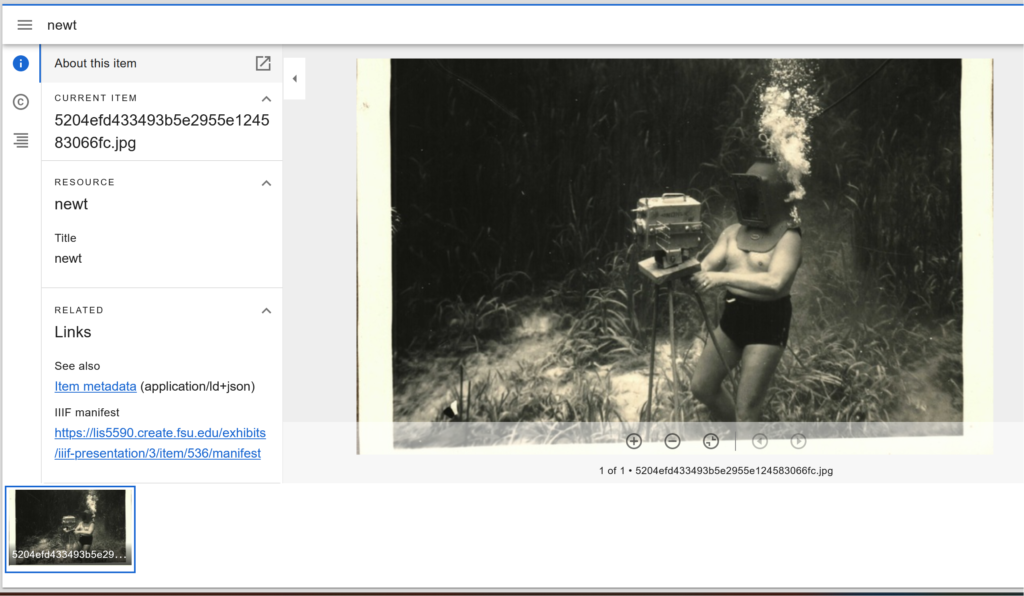
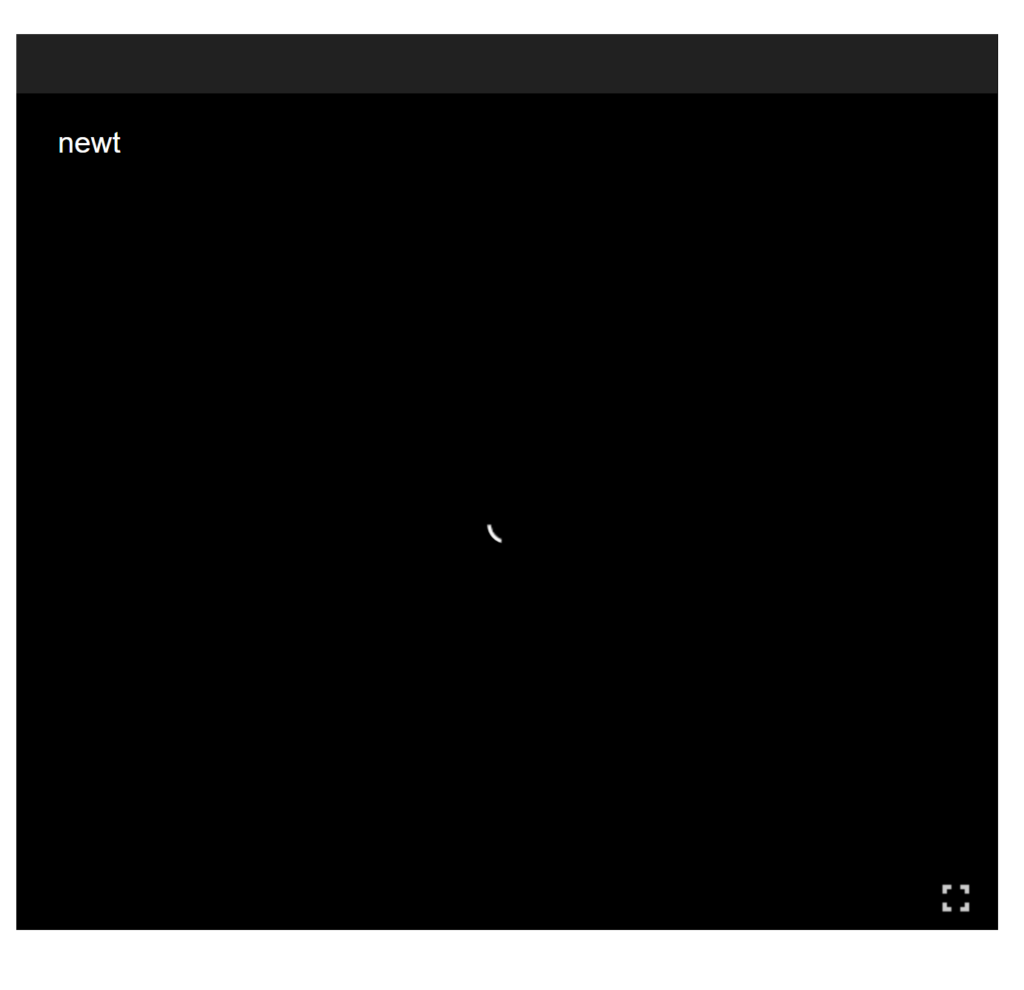
My challenges using this program started here. Exhibit.so allowed me to upload the manifest, however, when I attempted to add the image to the exhibit, the image never loaded. I waited several minutes, thinking that perhaps my internet was to blame. I tried opening the exhibit editor in the Chrome Browser because the Firefox Browser is not always compatible with all websites. I recopied the IIIF link, I tried starting over and creating a new exhibit, I tried viewing the exhibit link on my phone- nothing I tried worked. Finally, I decided to go to the class Canvas page and try to view the class recording, to make sure I was completing the steps correctly. The recording of the latest class was unfortunately not uploaded on the day I looked, October 28th.
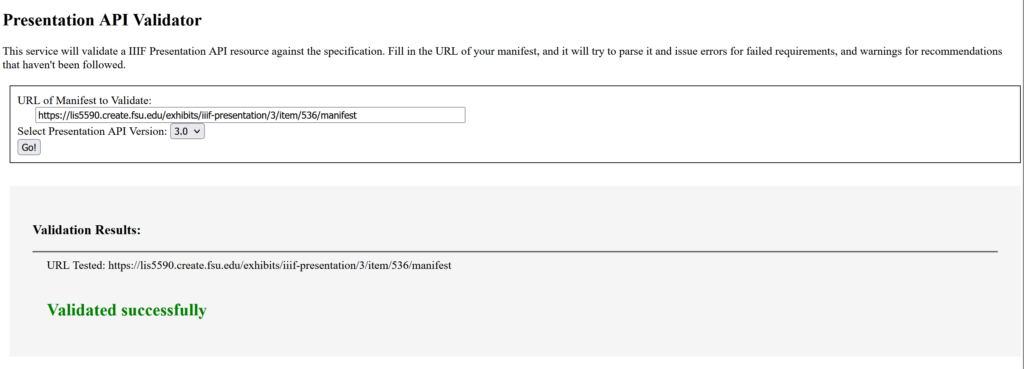
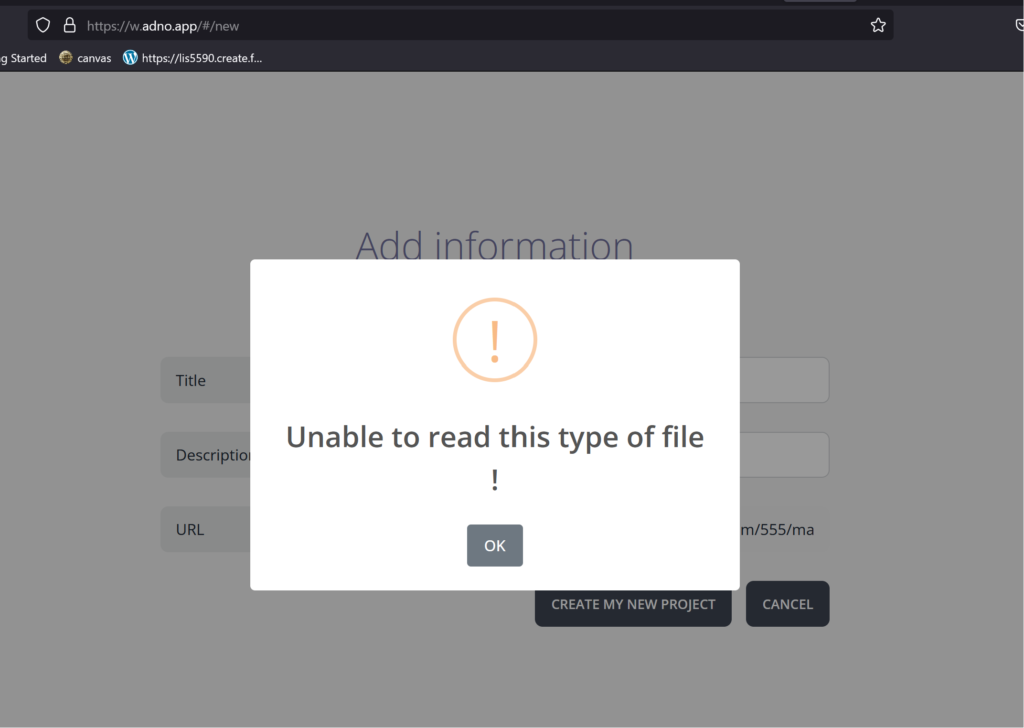
In a couple last ditch efforts to figure out where I went wrong, I visited a site that validates IIIF manifests. I inputted the link and the site confirmed the manifest is valid. Finally, I looked up another exhibit creation site to try the link. Adno uploaded the manifest, but when I tried to create an exhibit, an error message popped up that stated the site was “unable to read this type of file.” Nothing I tried fixed the issue. I know there is a step I am missing, but I cannot figure out what I am doing wrong. I am very disappointed in myself that I could not figure this out, because I know it has to be user error.
Because I could not get the class Omeka links to work properly, I visited the Harvard archive and found they actually had two items related to Weeki Wachee in their collection. I copied the IIIF manifests from both of these images and plugged them into exhibit.so. The images from Harvard uploaded perfectly fine. I copied some text over from prior exhibit I completed on Weeki Wachee and started playing with the settings.
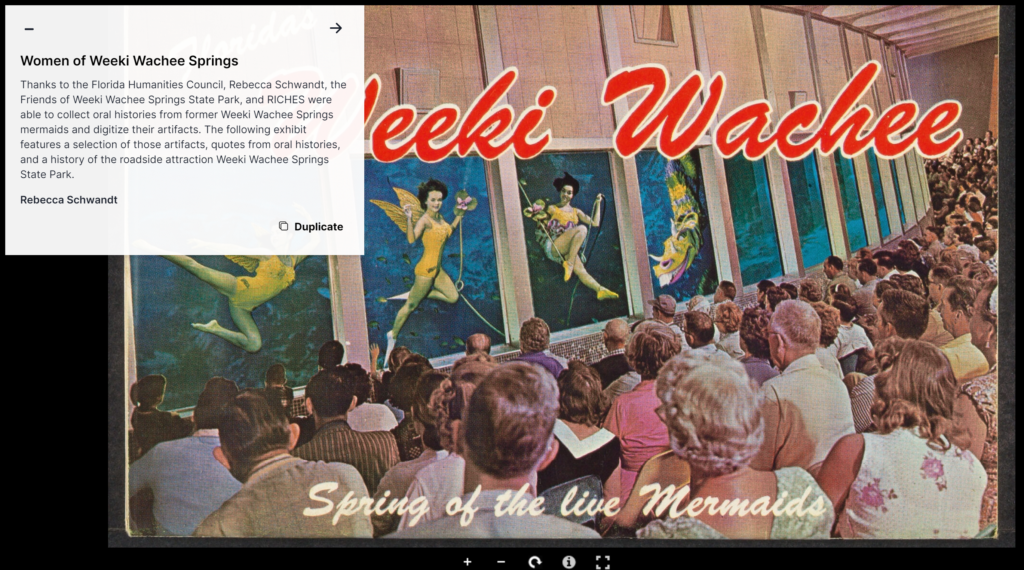
I love how the images are the main focus of this program. I know this format would work well with so many museum archives as long as they have someone competent enough to figure out the technical side of things. I really want to figure out what I did wrong, because after seeing these test images, I really want to recreate the exhibit in exhibit.so. In the first image, there are three women in the windows of Weeki Wachee’s underwater theater in a different pose; each of these poses have a different name and in interviews with the mermaids, they discuss each of the signature Weeki Wachee poses. To be able to zoom in on each pose and in the text include quotes from the oral history interviews is so user friendly. This is a much better way to tell the history of Weeki Wachee than what the exhibit I created in the past, where a viewer is taken away from the exhibit entirely if they want to see a larger version of an image. Additionally, many of the images from Weeki Wachee have many different people in them. I would love to be able to zoom in to each face in an image, tell the viewer who that person is, and include a quote about them from their oral history interview. Being able to direct a viewer from the text to a certain part of an image is so helpful in so many different regards.
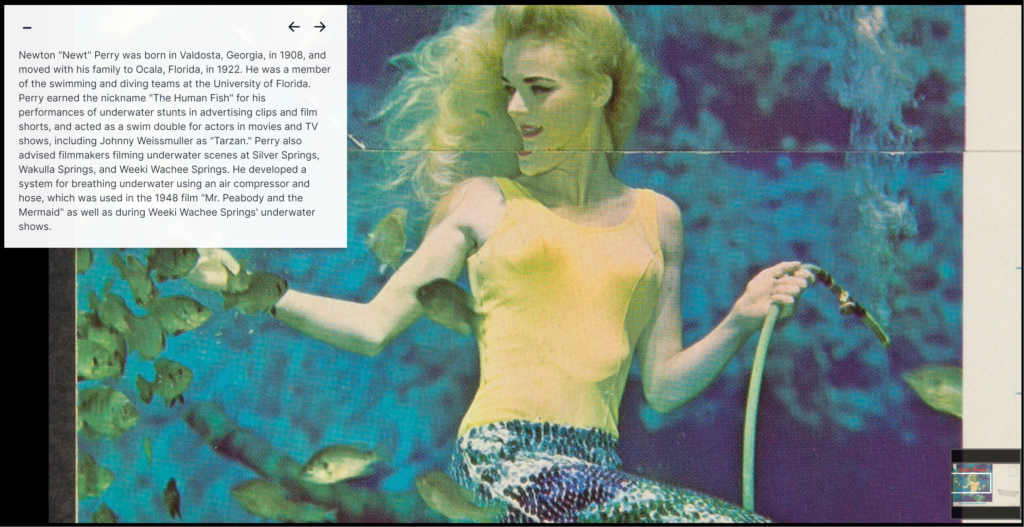
From a visual standpoint, the exhibit.so page is much more eye catching than the exhibit I created. The ability to break up text better than a traditional webpage makes a huge difference on how long someone’s attention will be grabbed. When the exhibit first launched, I was able to see the amount of clicks the exhibit received. A vast majority of viewers only stayed on the site through the first four pages. I believe that the exhibit would have better retention rates if the material was presented in a way more pleasing to the eye, like what exhibit.so offers. Walls of text and small images are known to not work in physical museums, so it only makes sense that they would not keep people’s attention in digital exhibits either.
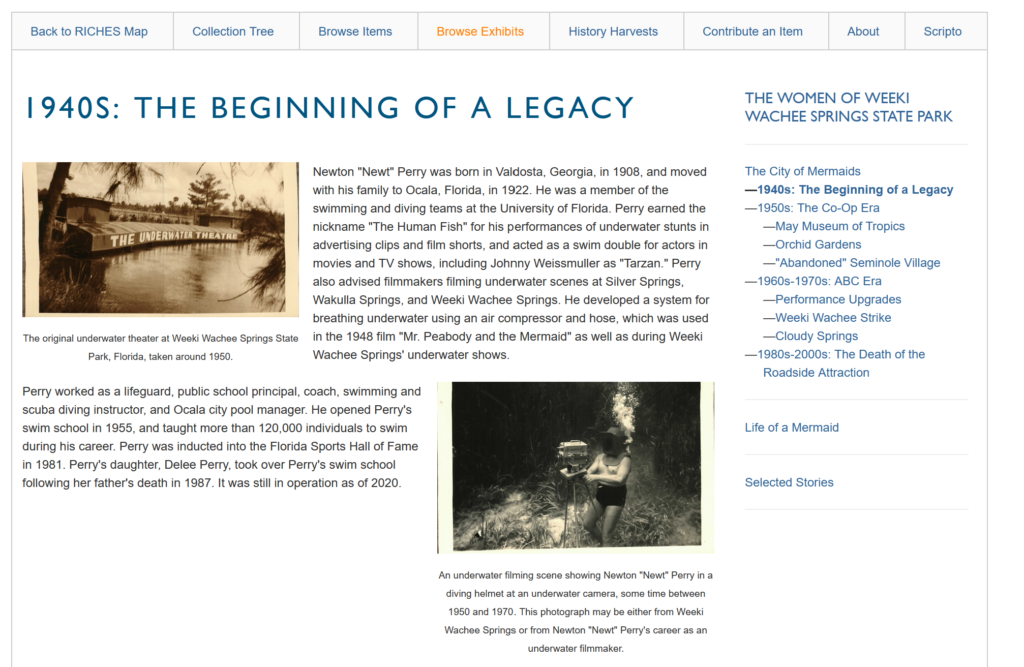
When I was troubleshooting the issue I had with uploading the class IIIF manifests, I found many other sites that allowed for free creation of exhibits using IIIF technology. A museum professional posted their beta program to Reddit nine months ago that allows any institution to create a digital exhibit on both a webpage and in virtual reality that looks like an in person exhibit using IIIF manifests. The more free to use programs there are, the more institutions will be able to have a digital presence. All it takes is a tech savvy person to get the job done. I was not able to figure out how many museum archive programs offer IIIF manifests. For example, Weeki Wachee uses Catalogit, and I tried to do research to see if Catalogit offered IIIF manifests of items and could not find an answer. This creates another hurdle for LAM institutions if they have to also find a way to make their images compatible.

Leave a Reply
You must be logged in to post a comment.